Summary
To get ourselves used to the Minecraft shader’s coding environment, we began by looking at existing shaders out there, specifically Sildur’s Shaders (https://sildurs-shaders.github.io/). This shader code was built on top of an existing GLSL shader mod for Minecraft using Optifine, and we chose to create our own shader with Optifine as well. We found that many of the shader packs online including Sildur’s have a very impressive water shader already, but we wanted to create a water shader from scratch in our own style. We hoped to find the most realistic color that makes water look more attractive, and make our water renderings with scientific equations found in research papers.
A large chunk of our time was spent figuring out the GLSL language and how to write code for MC -- we found that both are rather poorly documented. Although we had high hopes for shading out water, just figuring out how to change the color of our water was a huge accomplishment for us in itself. We remedied the unclear documentation by scouring through Youtube tutorials and looking through the Sildur’s Shaders’ code. Analyzing Sildur’s Shaders’ code helped us figure out what variables we needed to access because the Minecraft GLSL variables are not documented.
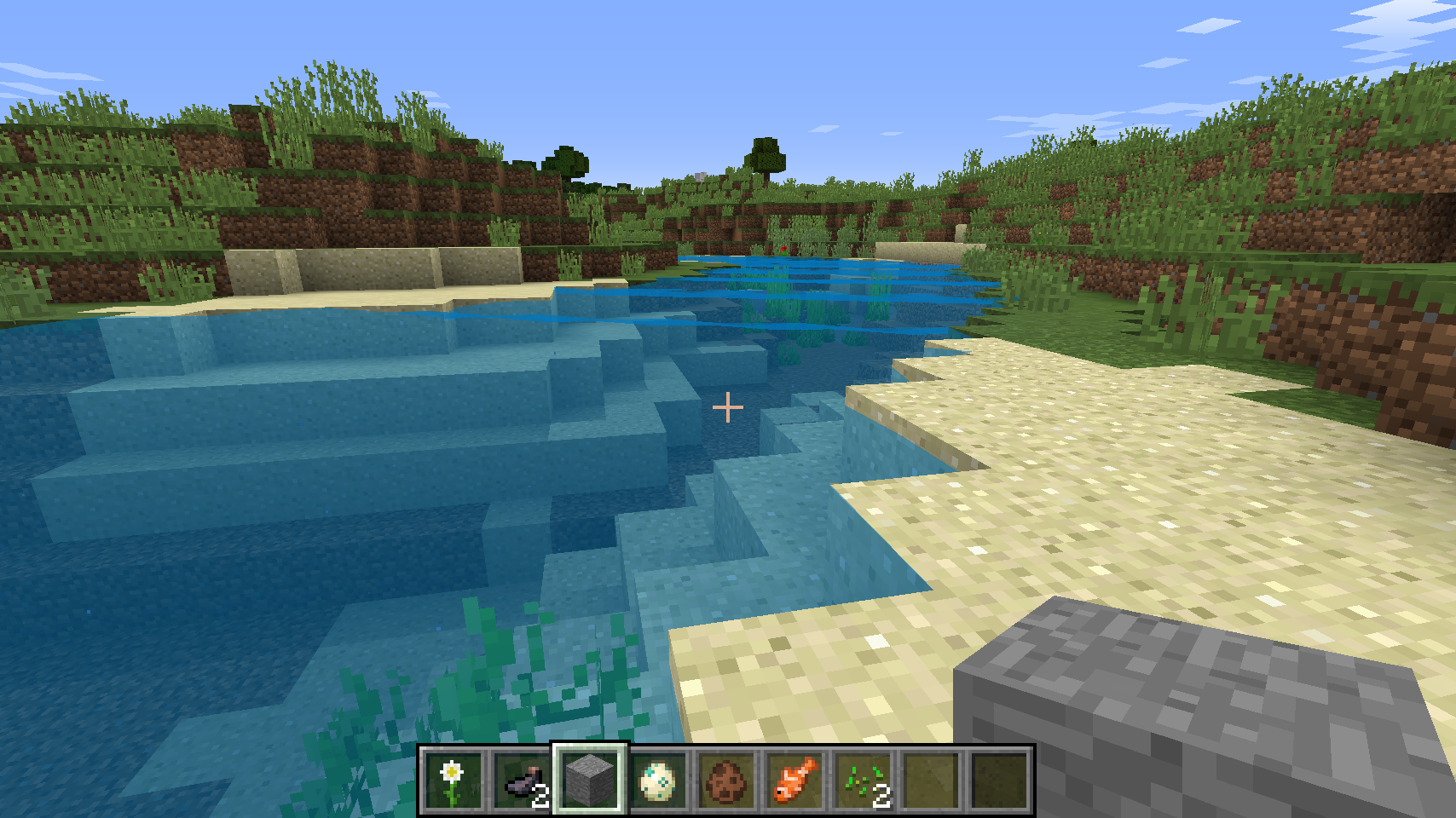
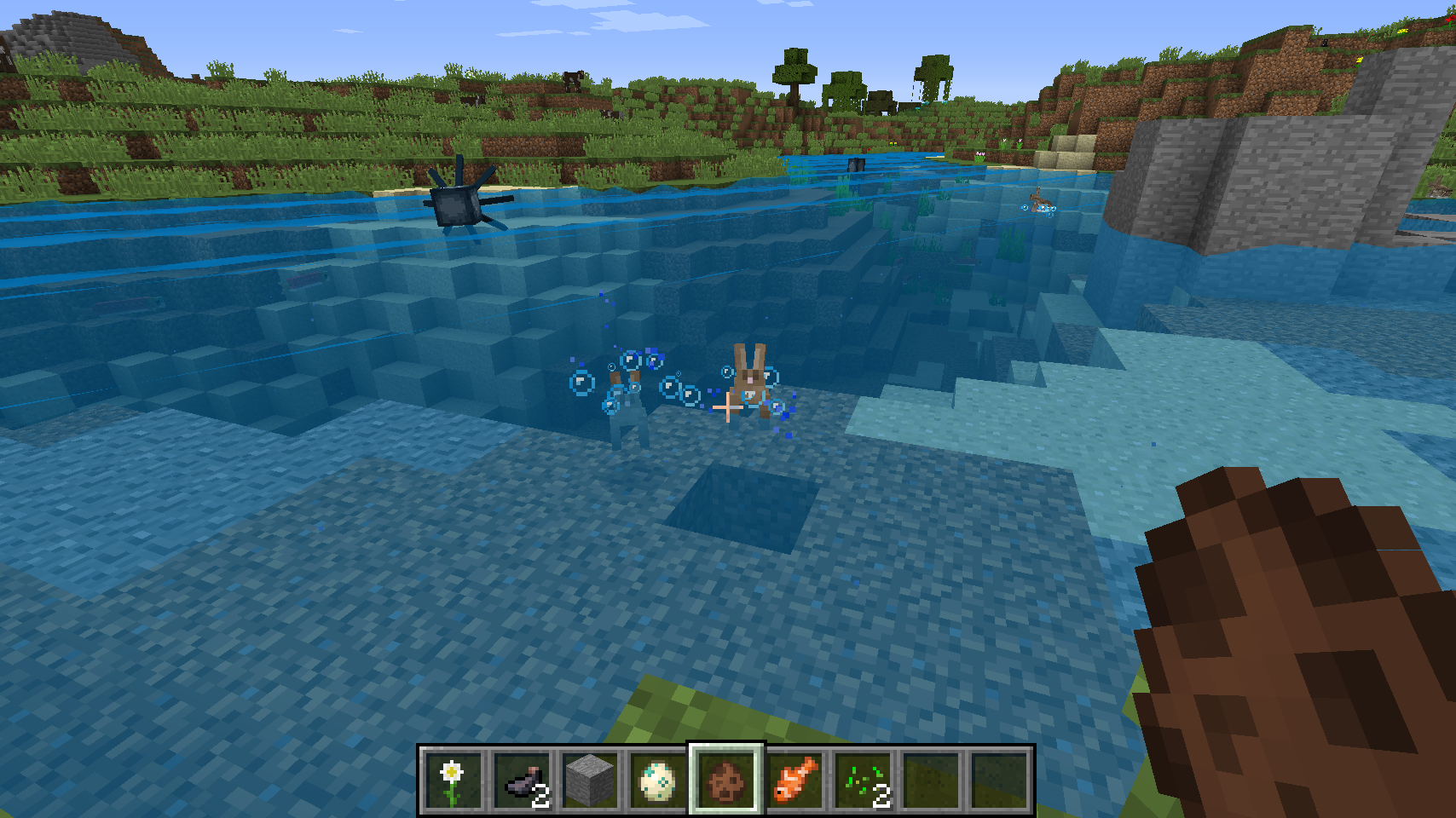
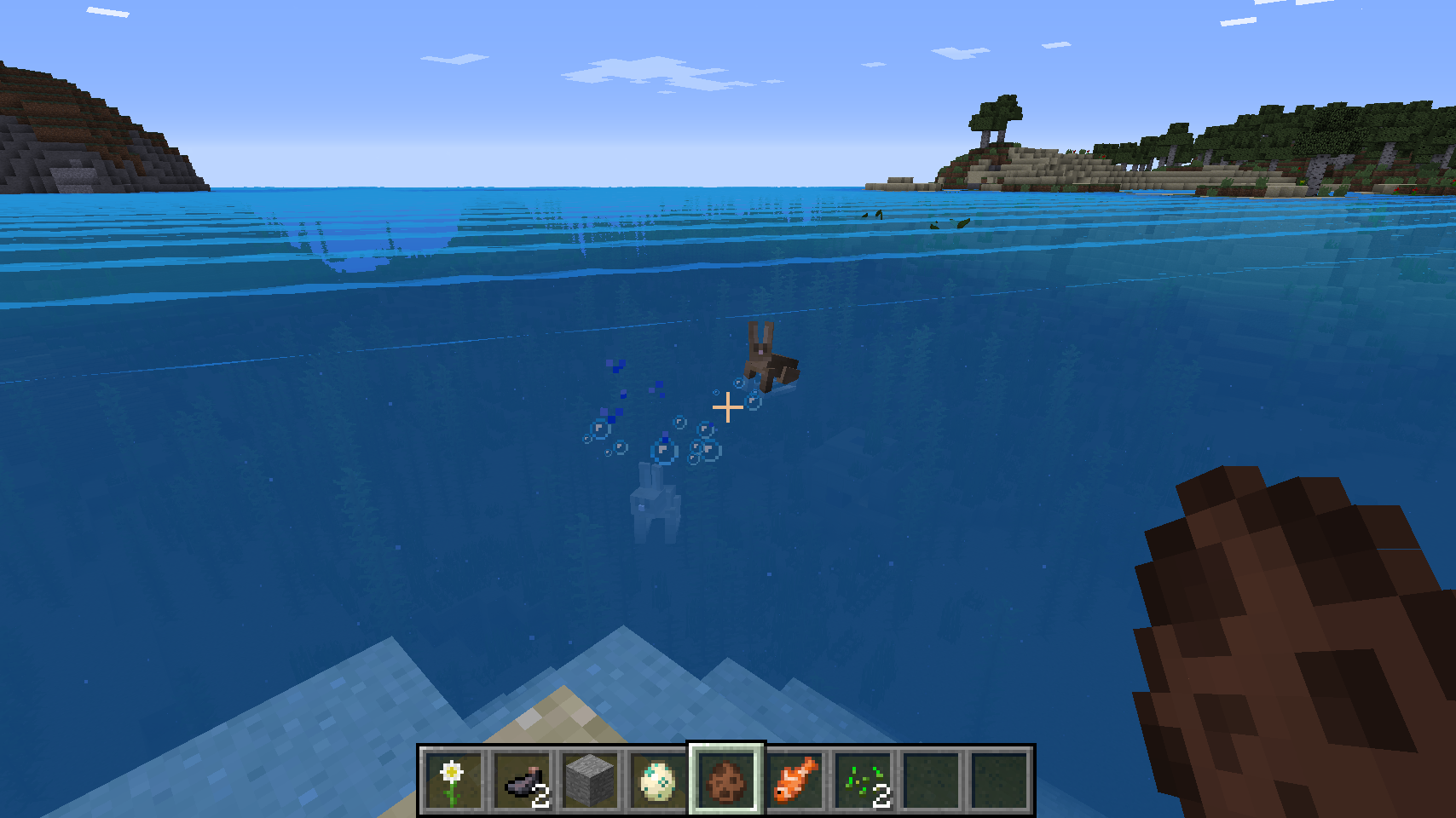
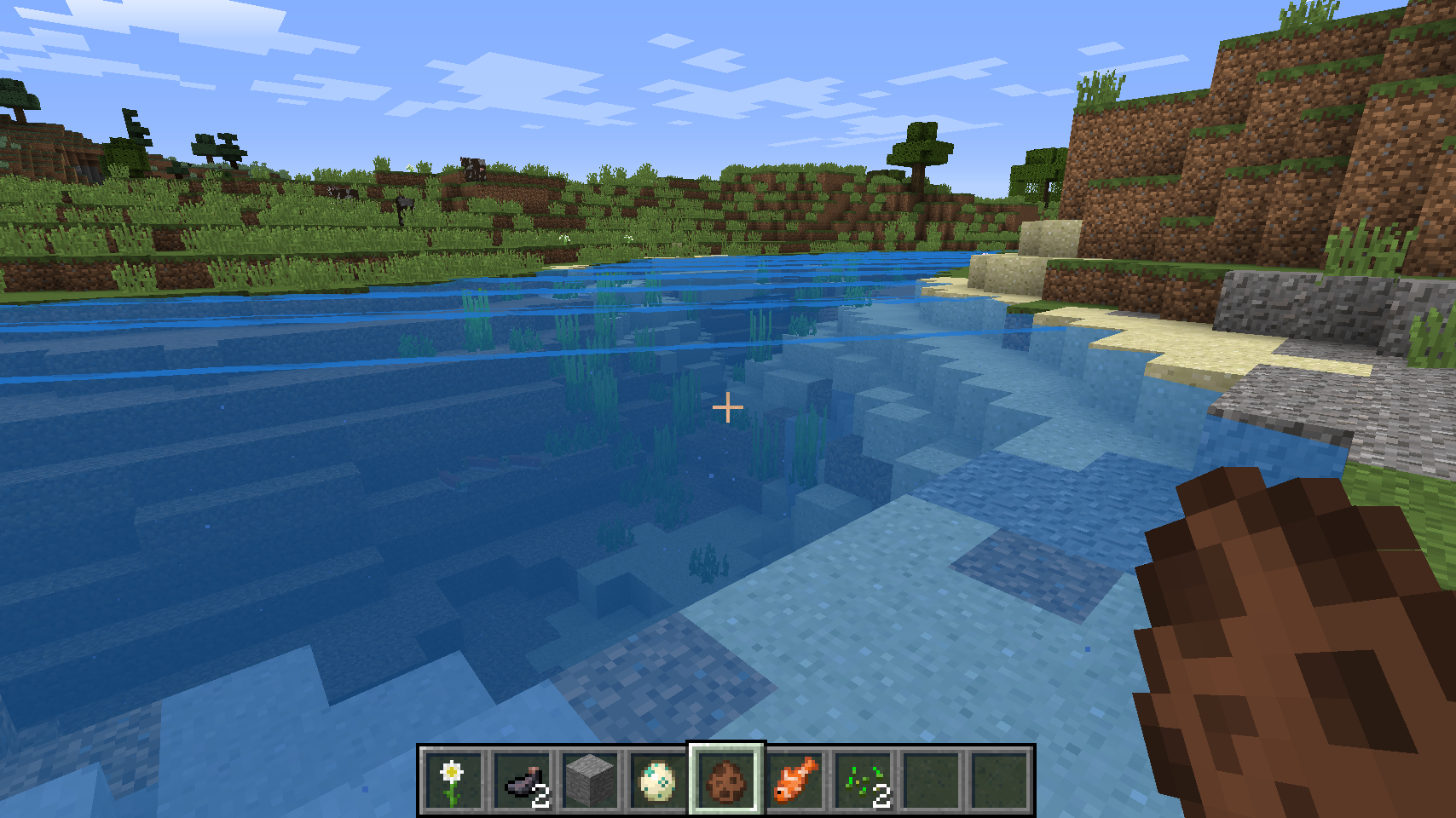
We chose to start our own shader pack pipeline instead of directly building off an existing shader pack, so that we could easily isolate code that directly impacts the water shading in GLSL. As we move forward in the project, if we are still unsure whether we need an existing shader’s lighting model to implement more aspects of water such as reflection, we will integrate some existing code from Sildur’s Shader pack to our created pack to isolate our implementation to the water shading. We ended up being able to render the physical motion of waves in water as well as change the color of default Minecraft water. We chose Ocean Boat Blue (#0077be) interpolated with the default colors to be our rendering color.
Preliminary Results
|
|
|
|
Progress as Planned
Once we started attempting to code in this environment, we realized that we were being overly ambitious in our deliverables and misjudged how difficult certain tasks were. We thought the reflection/refraction of water and water caustics would be easier to accomplish than waves. The exact opposite was true. Although the math of reflection/refraction may have seemed easier, integrating this into our pipeline is a difficult task; dealing with lighting is a more nuanced task than we imagined. Creating waves only took recognizing how to get the necessary inputs from Minecraft and editing the vertex shader file.
Updated Working Plan
After needing to spend an unexpectedly large portion of our time researching about OpenGLSL, screening various premade shaderpacks, and watching endless Youtube “Minecraft Shaders tutorial” videos (most of which really just showcased shaders), we realize original goals may require more time than allotted for this project. Moving forward, we are going to try to complete rendering of water waves, and we hope to be able to implement the reflective properties of water for our final deliverable.